Jira Software & JSM Administration with Confluence Course
Master Jira Software and JSM Administration with our comprehensive course, which integrates Confluence for enhanced project management.
Program rating
1,517+
Learners enrolled
32 hrs
Total duration
English,Hindi
Language
This program includes

Program overview
About this program
This Quality & Process Improvement program blends live, mentor-led sessions with hands-on projects and real-world case studies, so you build genuinely job-ready skills — not just theory. You'll learn from working industry experts, apply what you learn on practical assignments, and finish with a portfolio, a recognized certificate, and dedicated placement support to help you land the right role.
Master Jira Software and JSM Administration with our comprehensive course, which integrates Confluence for enhanced project management.
This course provides an in-depth understanding of Jira Software and JSM (Jira Service Management) administration. Learn to manage projects efficiently, optimize workflows, and leverage Confluence for documentation and collaboration. Over 32 hours, you will gain hands-on experience and the skills needed to support your team's project and service management needs.
Why learners love this program
- Comprehensive Jira Software administration: projects, workflows, permission schemes, and board/configuration management.
- JSM (Jira Service Management) administration: request types, queues, SLAs, automation, and incident/change management.
- Confluence integration and hands-on labs: knowledge base setup, documentation best practices, and real-world practical exercises.
16
Lectures
32
Hours
All level
Level
Globally trusted accreditations
Recognitions that power your profile
Trusted by leading accreditation bodies — so your certificate is respected by employers worldwide.










Learning outcomes
What you'll be able to do
Curriculum
Structured modules that build real skills
17 modules · designed for progressive, hands-on learning.
Course orientation and UI tour
Identify the Jira interface components and navigation patterns. Gain familiarity with core concepts used throughout the course.
Setting up your first project
Create a new Jira project using a template and configure basic project settings. Validate that the project is ready for users and issues.
Project types and templates
Differentiate between Jira project types and choose appropriate templates for software, business, and service teams. Understand the implications of each template on workflows and boards.
Project settings and schemes
Configure project schemes for notifications, permissions, and workflows. Learn how schemes are shared and applied across projects.
Understanding issue types and field configurations
Define issue types and design field configurations for different use cases. Learn how custom fields affect issue capture and reporting.
Screens and field contexts
Set up screens and field contexts to control which fields appear at different issue operations. Ensure correct field visibility across projects and issue types.
Workflow components and statuses
Explain workflow elements including statuses, transitions, and resolutions. Map common team processes to workflow components.
Designing simple workflows
Create a basic workflow that models a team process and assign it to a project. Test transitions and status changes to validate behavior.
Transitions, conditions, validators and post-functions
Apply conditions, validators, and post-functions to control transitions and automate actions. Learn common examples to enforce process rules.
Creating and editing advanced workflows
Customize complex workflows with parallel paths, statuses and transition screens. Manage workflow drafts and publish safely to projects.
Best practices for workflow design
Apply design principles that improve usability and maintainability of workflows. Identify anti-patterns and optimize workflows for team efficiency.
Boards configuration and sprint management
Configure Scrum and Kanban boards including card layouts and swimlanes. Run sprint ceremonies and manage sprint scope effectively.
Epic and backlog grooming
Organize backlog items into epics and versions and perform backlog grooming sessions. Prioritize work using ranking and estimation strategies.
Releases, versions and project planning
Create and manage versions and releases to track progress. Use release fields to plan and communicate delivery timelines.
Issue linking and dependencies
Establish issue links and dependency types to model relationships. Leverage links to coordinate cross-team work and reporting.
Introduction to Jira Service Management capabilities
Describe core JSM concepts including requests, agents, and customer portals. Identify JSM use cases and licensing considerations.
Request types and customer portal basics
Configure request types and design an intuitive customer portal. Map customer-facing forms to internal workflows.
Configuring SLAs and reporting
Define SLA metrics, goals and calendar settings for service levels. Use SLA reporting to monitor support performance.
Setting up queues and request workflows
Create queues to triage and route incoming requests and customize request workflows for service teams. Optimize queue filters and assignments.
Managing users, groups and project roles
Add and manage users and groups and assign project roles to control responsibilities. Implement group-based access to simplify administration.
Permission schemes and access control
Design permission schemes to enforce least privilege and project-level access. Troubleshoot common permission conflicts and leaks.
Issue security and global permissions
Configure issue security schemes to restrict visibility and set appropriate global permissions. Understand how security levels interact with roles and groups.
Audit logs and compliance basics
Use audit logs to review administrative changes and support compliance needs. Establish practices for change tracking and periodic reviews.
Linking Jira issues with Confluence pages
Create and manage links between Jira issues and Confluence pages to improve traceability. Use linking to support requirements, design, and retrospective documentation.
Embedding and macros for traceability
Use Confluence macros and Jira issue macros to embed reports and dynamic lists in pages. Build living documentation that stays synchronized with Jira data.
Space organization and page templates
Structure Confluence spaces and create templates for repeatable documentation. Apply page hierarchy and permissions to keep content discoverable.
Collaborative authoring and versioning
Use collaborative editing, comments, and page history to manage documentation lifecycles. Set up templates and labels to improve content reuse.
Creating custom dashboards and gadgets
Build dashboards using gadgets and saved filters to surface key project metrics. Tailor views for stakeholders and teams.
Built-in reports and filters
Use built-in reports and JQL filters to analyze sprint and project data. Create and share filters for recurring report needs.
Advanced charts and custom reports
Develop advanced charts and use reporting add-ons or exports for deep analysis. Combine data from multiple projects to support decision making.
Creating automation rules and triggers
Build automation rules using triggers, conditions and actions to streamline workflows. Implement common automations for notifications and transitions.
Common automation recipes to reduce manual work
Apply ready-made automation recipes for frequent scenarios and adapt them to your processes. Monitor rule executions and handle exceptions.
Automation branching, conditions and smart values
Use branching, smart values and advanced conditions to create powerful automation workflows. Handle multi-issue and iterative automation scenarios.
Integrations with Confluence and other tools
Integrate Jira with Confluence, CI/CD and external systems to streamline toolchains. Configure secure connections and data flows between systems.
Testing and maintaining automation rules
Establish practices for testing, documenting and maintaining automation rules to prevent regressions. Implement monitoring to detect broken automations.
Best practices for Jira and JSM administration
Adopt maintenance and governance practices for scalable Jira and JSM administration. Learn strategies for backups, upgrades and change management.
Preparing for admin handover and documentation
Document admin processes, runbooks and configuration inventories for team handover. Create onboarding materials for future administrators.
Final hands-on project: implement a full workflow
Apply course knowledge to implement a complete workflow end-to-end including project setup, workflow, permissions and automation. Deliver a working solution and validation plan.
Your credential
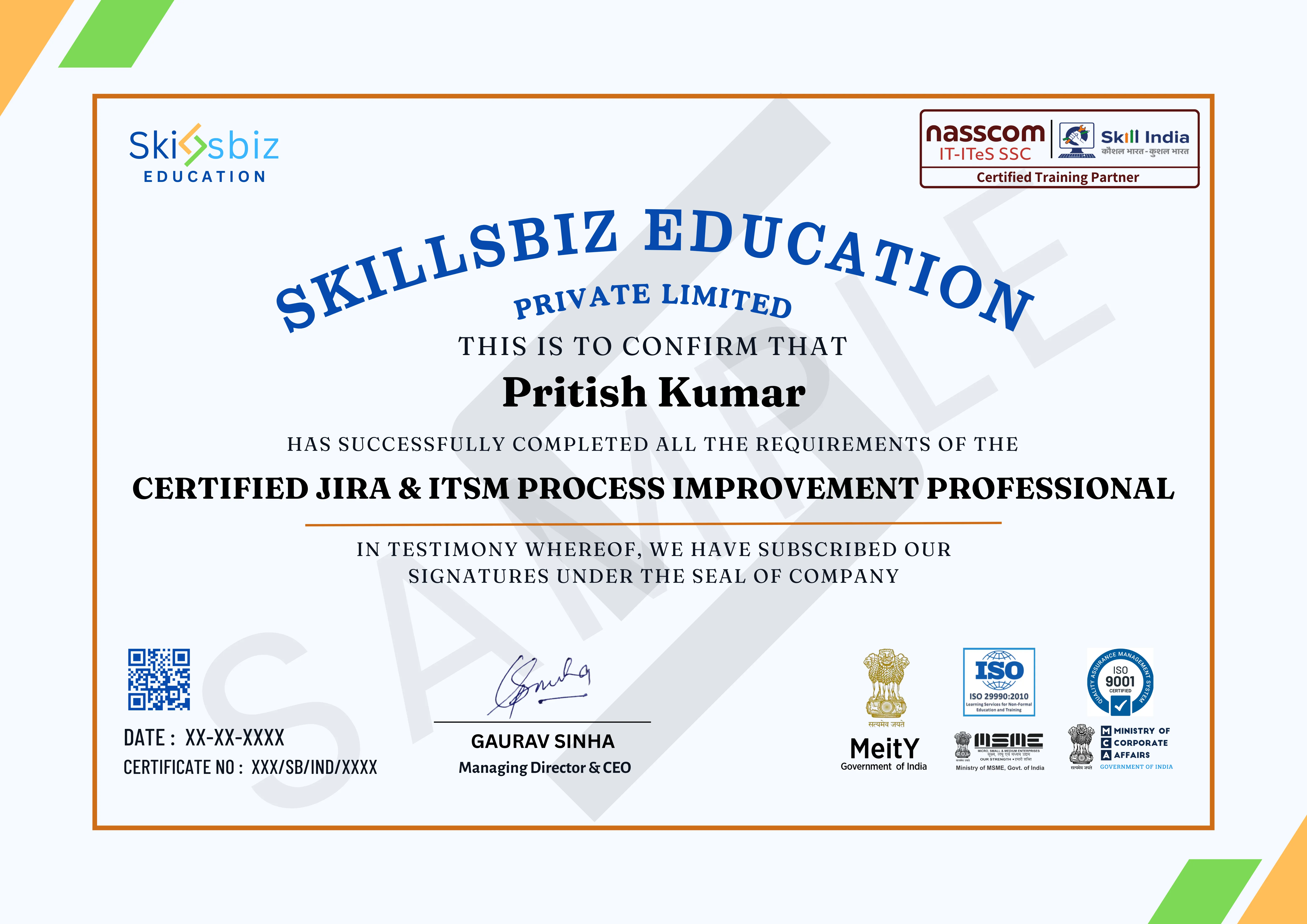
The certificate you'll earn
Earn an industry-recognized certificate on successful completion of this program.
Personalised guidance
Book a free discovery call with our specialists
Get tailored advice on learning paths, certification journeys, and industry opportunities before you enroll.
- Understand the skill gaps holding you back and the modules that close them.
- Get a cohort recommendation based on availability and your weekly bandwidth.
- Discover certification add-ons that strengthen your CV.
Reserve your slot
Share your details and we'll connect within 24 hours.
Reviews
What our learners say
Handling Jira Software, JSM, and Confluence together gave me complete control over project and support workflows. This course made agile and service management feel very practical.
Jira Software and JSM training helped me understand agile project management clearly. Creating boards, managing sprints, and documenting processes using Confluence felt very practical.
This course helped me handle Jira administration confidently. Managing permissions, workflows, and dashboards made project tracking much smoother.
Learning JSM administration helped me understand incident, change, and request management clearly. Integrating Jira with Confluence made team communication much smoother.
This course gave me hands-on experience with Jira administration and Confluence documentation. Managing projects, user permissions, and sprint boards made day-to-day project tracking much easier.
Learning Jira Software and JSM together helped me understand how agile teams and service desks work in real organisations. Creating workflows, managing boards, and handling tickets now feels very structured and clear.
FAQ
Your questions, answered
Everything you need to know before you enroll. Still unsure? Our advisors are one call away.
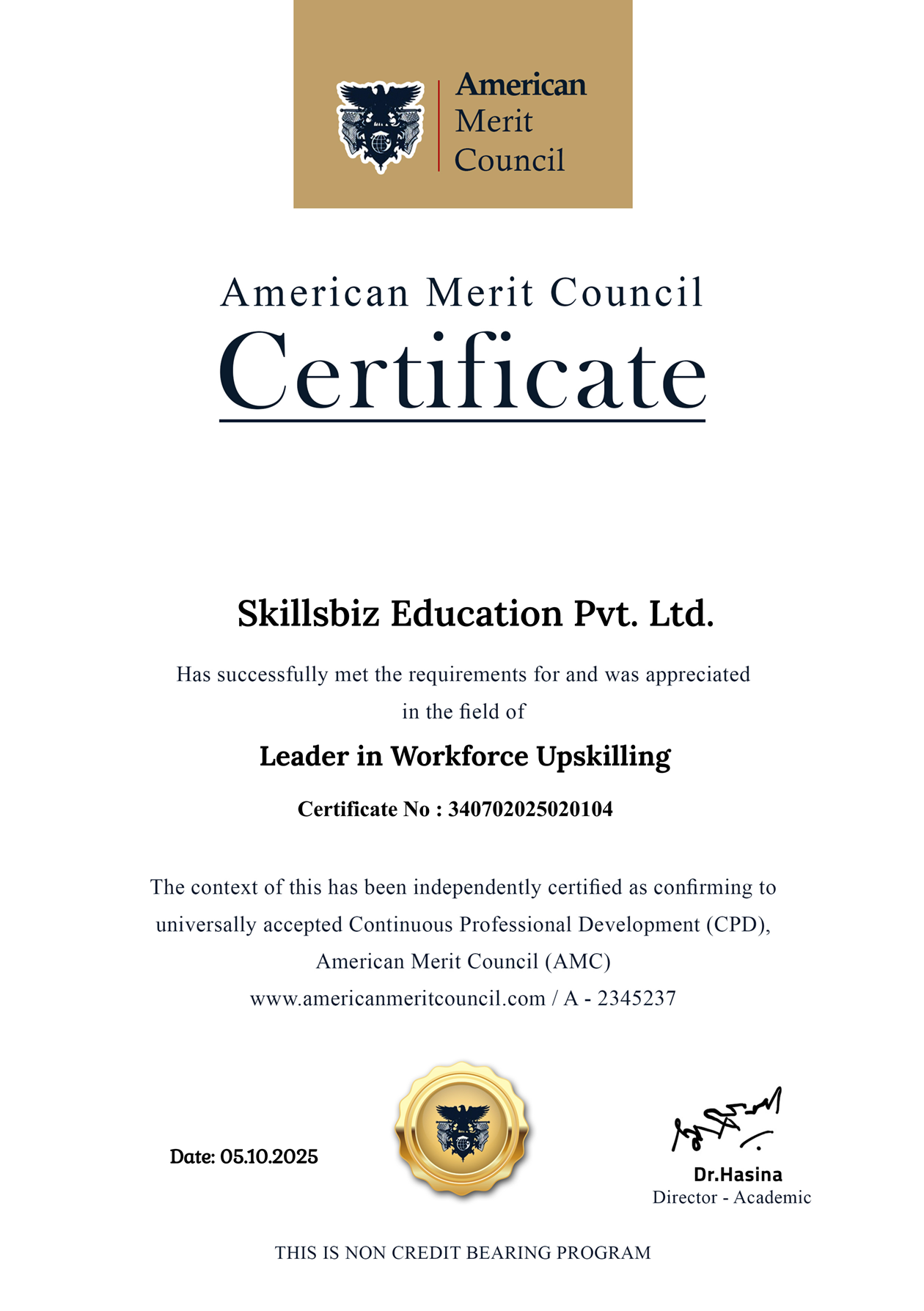
Honored for excellence
Awards & recognitions
Our pedagogy, learner outcomes, and mentor network have been acknowledged by industry councils and global forums.




Media spotlight
Featured in leading publications










Ready to start Jira Software & JSM Administration with...?
Enroll today or book a free counselling call to get a personalized learning path.