Certified Power BI Professional Program
Become a Certified Power BI Professional and unlock the full potential of your data with this comprehensive course!
Program rating
1,765+
Learners enrolled
22 hrs
Total duration
English,Hindi
Language
This program includes

Program overview
About this program
This Data Analyst program blends live, mentor-led sessions with hands-on projects and real-world case studies, so you build genuinely job-ready skills — not just theory. You'll learn from working industry experts, apply what you learn on practical assignments, and finish with a portfolio, a recognized certificate, and dedicated placement support to help you land the right role.
Become a Certified Power BI Professional and unlock the full potential of your data with this comprehensive course!
This course is designed for data analysts and business professionals who want to enhance their skills in Power BI. Over 22 hours of interactive content, you will learn how to create powerful data visualizations, analyze trends, and share insights effectively. Join now to boost your career and gain industry-recognized certification.
Why learners love this program
- Hands-on labs & real-world projects: Build interactive reports and dashboards with Power BI Desktop, Power Query, and Power BI Service using real datasets.
- Advanced data modeling & DAX mastery: Learn robust modeling techniques, relationships, optimized measures, and advanced DAX for deep analytical insights.
- Deployment, collaboration & certification prep: Publish and share reports, implement row-level security and governance, optimize performance, and prepare for industry-recognized certification.
11
Lectures
22
Hours
All level
Level
Globally trusted accreditations
Recognitions that power your profile
Trusted by leading accreditation bodies — so your certificate is respected by employers worldwide.










Learning outcomes
What you'll be able to do
Curriculum
Structured modules that build real skills
10 modules · designed for progressive, hands-on learning.
Overview of Power BI
Understand what Power BI is and the problems it solves for organizations. Identify the main components in the Power BI ecosystem.
Benefits and Use Cases
Recognize common business scenarios and benefits of adopting Power BI. Evaluate how Power BI fits into data-driven decision making.
Installation and Setup
Install Power BI Desktop and configure initial settings for development. Verify compatibility and learn best practices for updates.
User Interface and Navigation
Navigate the Power BI Desktop interface and identify key panes and ribbons. Perform basic tasks like importing files and saving projects.
Connecting to Data Sources
Connect to a variety of data sources including files and databases. Understand authentication options and data connectivity limitations.
Power Query Basics
Use Power Query to shape and clean data through common transformation steps. Apply filters, splits, merges, and other transformations reliably.
Advanced Transformation Techniques
Implement advanced transformation functions and parameterized queries. Optimize query steps for reusability and performance.
Tables and Relationships
Create and manage tables and define relationships between them. Understand cardinality, cross-filter direction, and relationship types.
Star Schema and Modeling Best Practices
Design efficient data models using star schema principles. Apply best practices to improve performance and maintainability.
Chart and Visual Selection
Choose appropriate visualization types for different data stories and objectives. Understand strengths and limitations of common visualizations.
Customizing Visuals
Customize visual formatting, labels, and tooltips to improve clarity. Use properties and formatting options to create polished visuals.
Advanced Visual Techniques
Implement advanced features like drillthroughs, bookmarks, and custom visuals. Combine visuals effectively to tell a cohesive data story.
DAX Fundamentals
Learn core DAX concepts including calculated columns and measures. Write basic DAX expressions to compute common metrics.
Time Intelligence and Advanced DAX
Apply time intelligence functions and understand context in DAX calculations. Create more advanced measures for rolling calculations and comparisons.
Layout and UX Principles
Apply design principles to create intuitive report layouts and navigation. Optimize reports for readability and user engagement.
Interactivity and Performance
Add interactive elements like slicers and filters while managing performance. Balance interactivity with loading and rendering considerations.
Publishing and Permissions
Publish reports to the Power BI Service and configure access permissions. Manage workspaces and content distribution strategies.
Collaboration Workflows
Use collaboration features like comments, shared workspaces, and app deployment. Establish processes for versioning and feedback.
Service Capabilities
Explore the Power BI Service features including dashboards, datasets, and apps. Understand differences between Desktop and Service functionality.
Gateway and Refresh Scenarios
Configure data gateways and schedule refreshes for published datasets. Troubleshoot common refresh and connectivity issues.
Study Strategies and Resources
Identify key topics and resources to focus study efforts effectively. Build a study plan and practice with sample questions.
Exam Practice and Review
Complete practice exams and review areas of weakness with targeted exercises. Learn test-taking strategies for time management and question interpretation.
Your credential
The certificate you'll earn
Earn an industry-recognized certificate on successful completion of this program.

Personalised guidance
Book a free discovery call with our specialists
Get tailored advice on learning paths, certification journeys, and industry opportunities before you enroll.
- Understand the skill gaps holding you back and the modules that close them.
- Get a cohort recommendation based on availability and your weekly bandwidth.
- Discover certification add-ons that strengthen your CV.
Reserve your slot
Share your details and we'll connect within 24 hours.
Reviews
What our learners say
I joined Skillsbiz to learn Power BI and I am very satisfied with the outcome. The course covered data modeling, DAX, and visualization in a structured way. The projects helped me apply the knowledge practically. I highly recommend this pro...
I enrolled in the Power BI course to improve my reporting skills, and Skillsbiz exceeded my expectations. The sessions were interactive, and every feature was explained clearly. The practice projects were very effective in building confiden...
The Power BI training gave me the confidence to manage business reports effectively. The trainer explained every function in detail and guided us with industry case studies. The course was hands-on and very relevant. It has made my work muc...
The Power BI training was very well-structured and practical. The trainer explained DAX formulas, data modeling, and visualization step by step. The case studies gave me real-world exposure, and I now use dashboards daily in my job. This co...
Skillsbiz Power BI course was an excellent learning experience. The sessions were clear, interactive, and filled with practical examples. The live projects helped me practice and improve continuously. I now create dashboards at work that ad...
Joining Skillsbiz for Power BI was the right decision for my career. The course covered everything from basics to advanced dashboard building. The live projects helped me apply the concepts and now I can create professional reports confiden...
FAQ
Your questions, answered
Everything you need to know before you enroll. Still unsure? Our advisors are one call away.
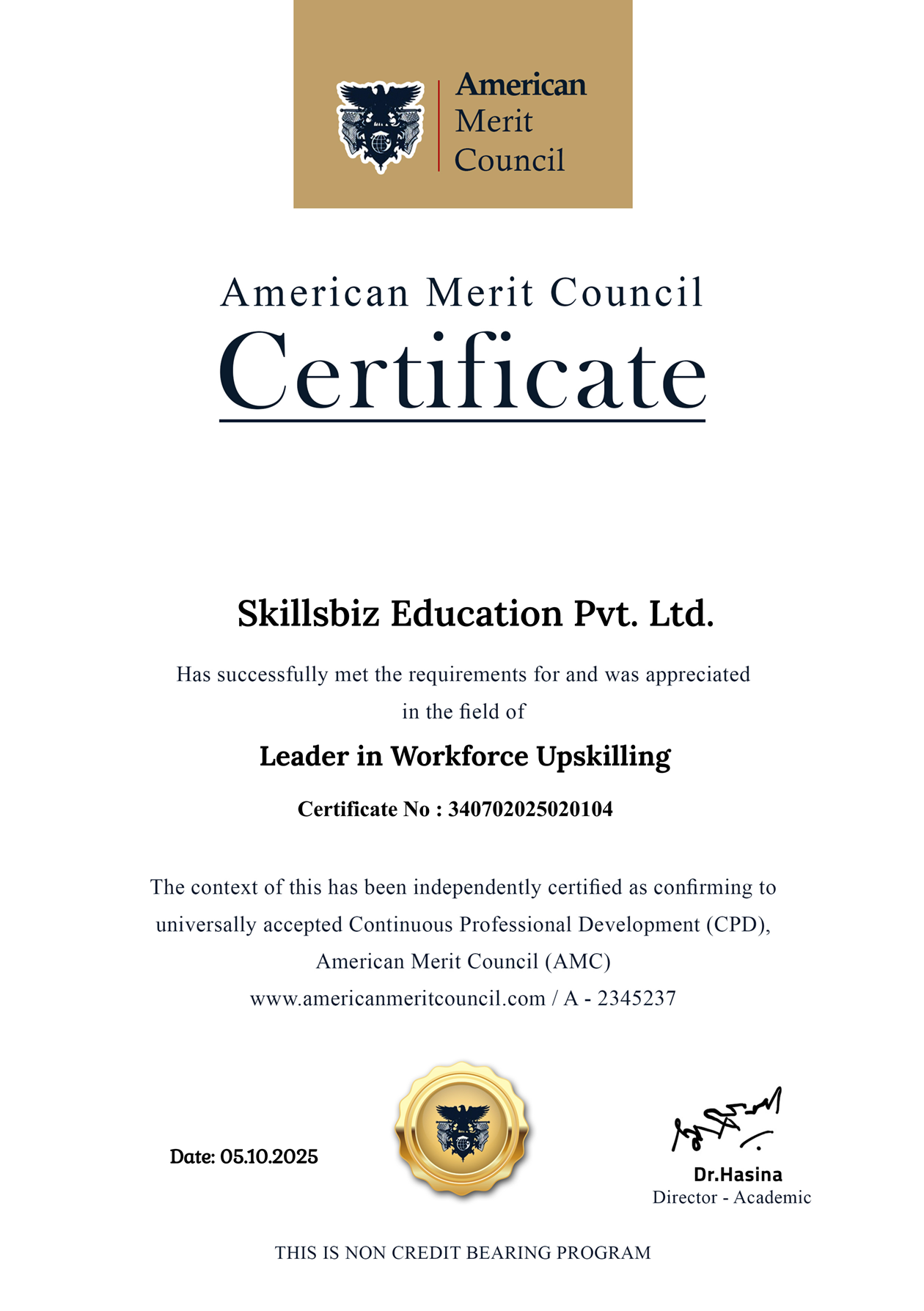
Honored for excellence
Awards & recognitions
Our pedagogy, learner outcomes, and mentor network have been acknowledged by industry councils and global forums.




Media spotlight
Featured in leading publications










Ready to start Certified Power BI Professional Program?
Enroll today or book a free counselling call to get a personalized learning path.