SAP SFT Employee Central Training Course
Enhance your SAP skills with our comprehensive course on Employee Central, designed for HR professionals.
Program rating
1,315+
Learners enrolled
44 hrs
Total duration
English,Hindi
Language
This program includes
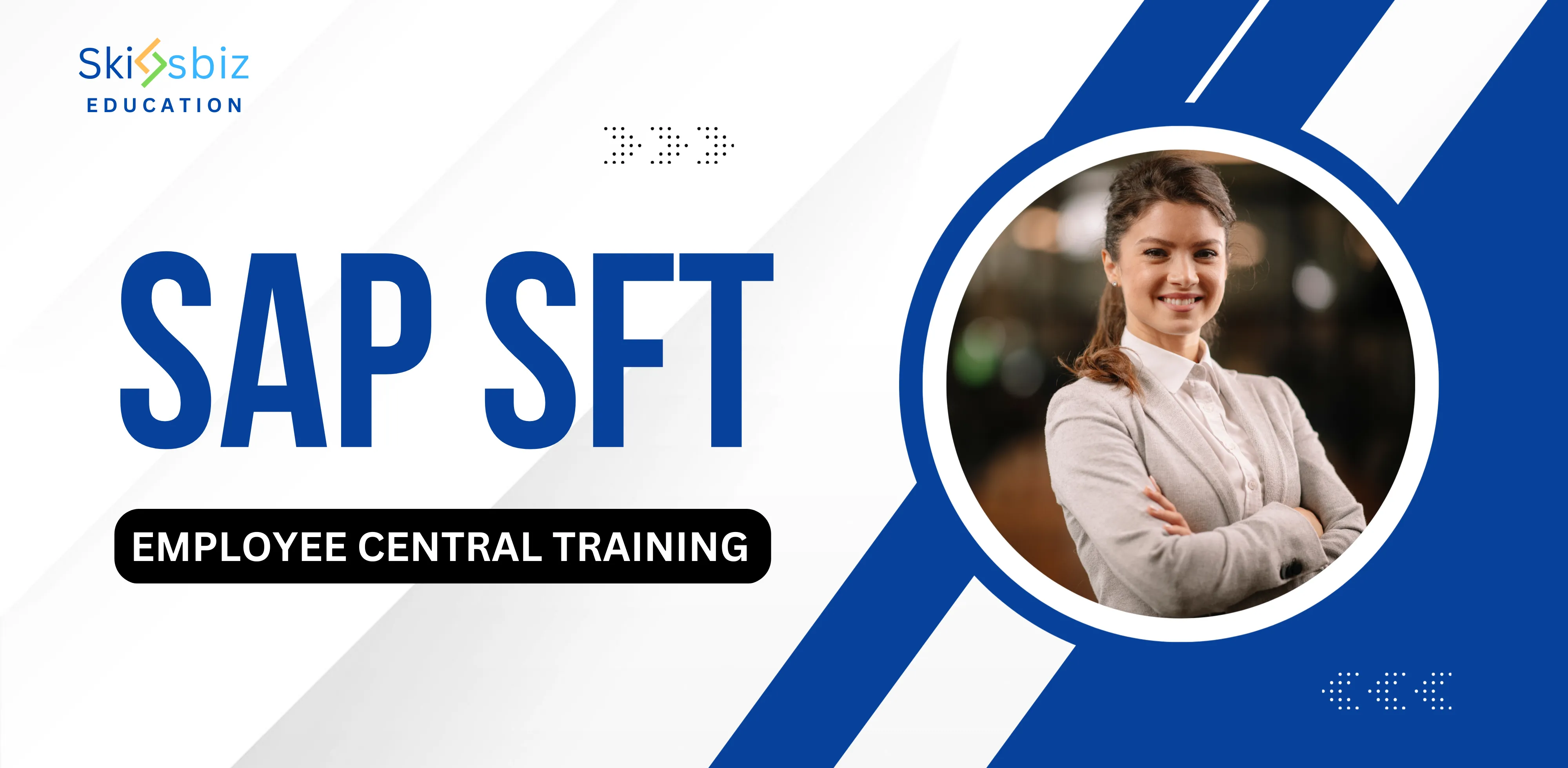
Program overview
About this program
This ERP program blends live, mentor-led sessions with hands-on projects and real-world case studies, so you build genuinely job-ready skills — not just theory. You'll learn from working industry experts, apply what you learn on practical assignments, and finish with a portfolio, a recognized certificate, and dedicated placement support to help you land the right role.
Enhance your SAP skills with our comprehensive course on Employee Central, designed for HR professionals.
This course provides an in-depth understanding of SAP Employee Central. It covers essential functionalities and best practices for implementing and managing Employee Central in your organization. Over 44 hours, you will gain practical insights and hands-on experience.
Why learners love this program
- Hands-on practical exercises and real-world scenarios to build applicable Employee Central skills
- In-depth coverage of core Employee Central functionality: employee data model, organizational and position management, onboarding/offboarding, and payroll integration
- Configuration and administration best practices including data models, business rules, workflows, security, and reporting
22
Lectures
44
Hours
All level
Level
Globally trusted accreditations
Recognitions that power your profile
Trusted by leading accreditation bodies — so your certificate is respected by employers worldwide.







Learning outcomes
What you'll be able to do
Curriculum
Structured modules that build real skills
18 modules · designed for progressive, hands-on learning.
Course goals and scope
Describe the scope and objectives of the Employee Central course and expected outcomes for learners.
Key concepts and terminology
Explain fundamental terms and core concepts used in SAP Employee Central to build a common foundation.
System architecture
Understand the high-level architecture of Employee Central, including system components and deployment models.
Integration points with SAP modules
Identify common integration points between Employee Central and other SAP modules such as Payroll and Time Management.
Data flow and security basics
Explain basic data flow patterns and security considerations for integrating Employee Central with other systems.
Master data fields and templates
Identify key master data fields and how templates are used to standardize employee records.
Creating single and mass records
Demonstrate methods for creating individual employee records and importing multiple records efficiently.
Data validation rules
Define and apply validation rules to ensure accuracy of employee data across the system.
Updating and correcting records
Perform common update and correction tasks for employee records while maintaining data integrity.
Best practices for data quality
Adopt practices to maintain high data quality and reduce data entry errors over time.
Global settings overview
Review global configuration areas that impact employee data and system behavior across countries.
Locale, legal entity and company structures
Configure locale-specific settings and organize legal entities and company structures appropriately.
Data model structure and objects
Explain the Employee Central data model and how objects relate to employee records and processes.
Foundation objects and their configuration
Configure foundation objects and understand their role in supporting employee data and reporting.
Country-specific configurations
Recognize country-specific configuration needs and where to apply localized settings.
Routine maintenance tasks
Perform routine data maintenance tasks and understand the lifecycle of employee data updates.
Role-based access for data updates
Assign and manage role-based permissions to ensure secure and appropriate data access.
Audit trails and history
Use audit trails to track changes to employee data and review historical records for compliance.
Compliance reporting and retention
Implement compliance reporting and data retention policies to meet legal and organizational requirements.
Designing approval workflows
Design approval workflows that map to business processes and support required decision points.
Configuring workflow triggers
Configure the triggers and conditions that initiate workflows and route approvals correctly.
Defining approval chains
Define and model approval hierarchies that reflect organizational reporting structures.
Escalation and exception handling
Implement escalation paths and handle exceptions to ensure approvals progress smoothly.
Integration architecture with Payroll
Understand architectural approaches for payroll integration and data exchange patterns.
Common interface methods
Identify common interface methods and formats used to transfer data between Employee Central and Payroll systems.
Data reconciliation and troubleshooting
Apply reconciliation techniques and troubleshoot common data mismatches between systems.
API and middleware options
Explore API and middleware options for connecting Employee Central to external systems and services.
Error handling and logs
Use logging and error handling mechanisms to diagnose and resolve integration issues efficiently.
Standard reports and ad-hoc reporting
Use standard reports and create ad-hoc queries to extract HR data for operational needs.
Using report centers and export options
Navigate report centers and export report data for further analysis or external consumption.
Building dashboards and KPIs
Build dashboards and define KPIs to monitor workforce metrics and trends.
Analyzing workforce trends
Interpret analytics outputs to inform HR decisions and strategic planning.
Navigation layout and menus
Familiarize with the Employee Central user interface, menus, and common navigation patterns.
Personalization and user settings
Customize user settings and teach personalization options to improve user efficiency.
Keyboard shortcuts and quick actions
Use keyboard shortcuts and quick actions to speed up common tasks within Employee Central.
Mobile and responsive interfaces
Understand mobile capabilities and how the interface adapts for responsive use on different devices.
Implementation planning and change management
Plan implementation phases and apply change management techniques to drive user adoption.
Testing, training and go-live strategies
Design testing approaches and training programs to ensure a smooth go-live and knowledge transfer.
Upcoming features and roadmap
Review emerging features and roadmap items that may affect future Employee Central capabilities.
Trends like AI, automation and cloud adoption
Explore how AI, automation, and cloud trends are influencing HR processes and Employee Central evolution.
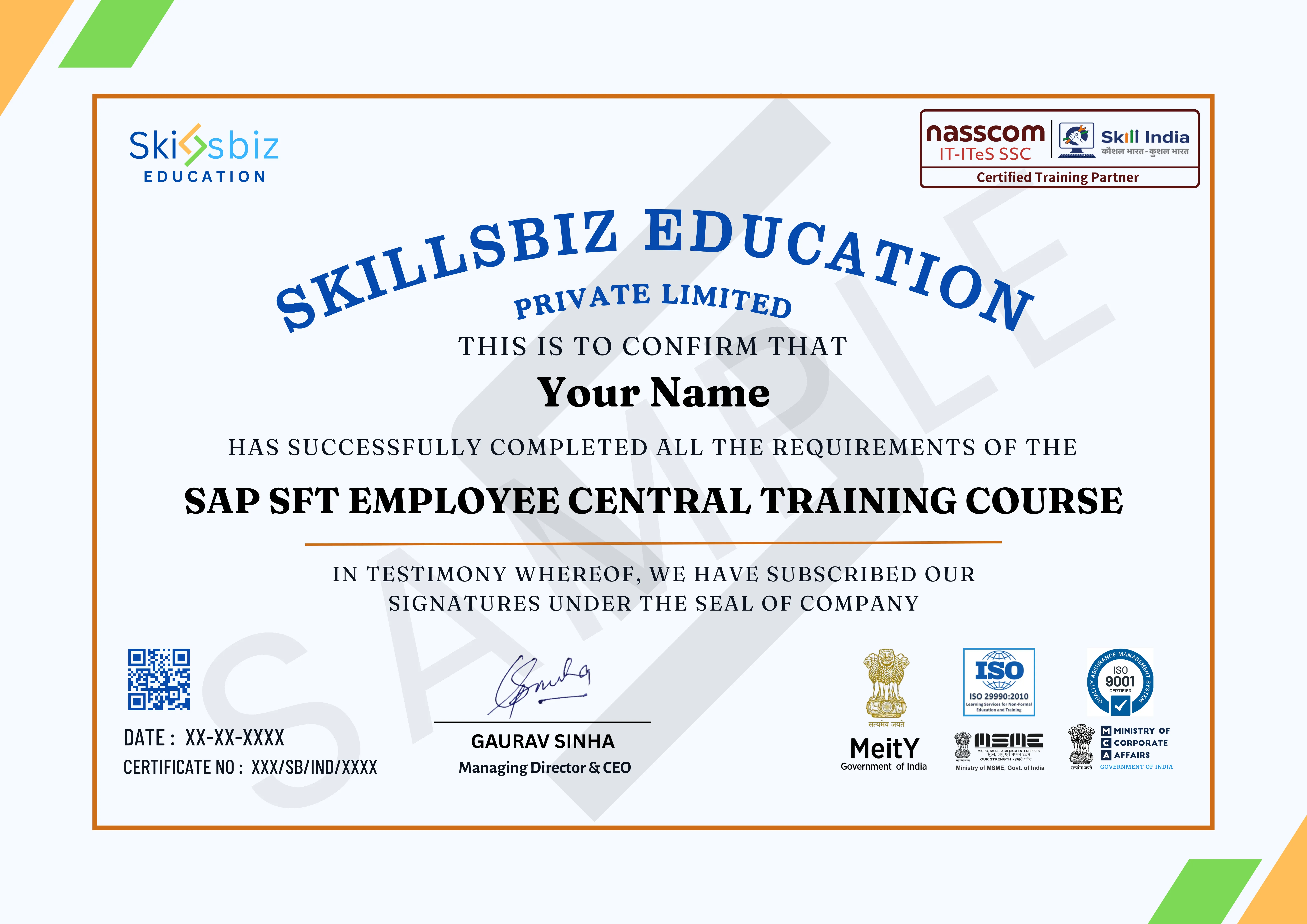
Your credential
The certificate you'll earn
Earn an industry-recognized certificate on successful completion of this program.
Personalised guidance
Book a free discovery call with our specialists
Get tailored advice on learning paths, certification journeys, and industry opportunities before you enroll.
- Understand the skill gaps holding you back and the modules that close them.
- Get a cohort recommendation based on availability and your weekly bandwidth.
- Discover certification add-ons that strengthen your CV.
Reserve your slot
Share your details and we'll connect within 24 hours.
Reviews
What our learners say
Learning how SAP SFT manages employee records across teams was very valuable. HR workflows now feel structured and easy to manage.
Learning how employee information flows across modules was very insightful. SAP SFT concepts were explained clearly with practical use cases.
SAP SFT Employee Central helped me understand how HR teams manage employee records accurately. Learning through real scenarios made the system easy to navigate.
Understanding how SAP SFT handles employee master data was very useful. Working with approvals, history tracking, and reports made HR processes feel reliable.
Learning employee lifecycle management inside SAP SFT brought clarity to hiring, transfers, and role changes. Hands-on practice with employee records improved my confidence a lot.
Arjun Bhardwaj
FAQ
Your questions, answered
Everything you need to know before you enroll. Still unsure? Our advisors are one call away.
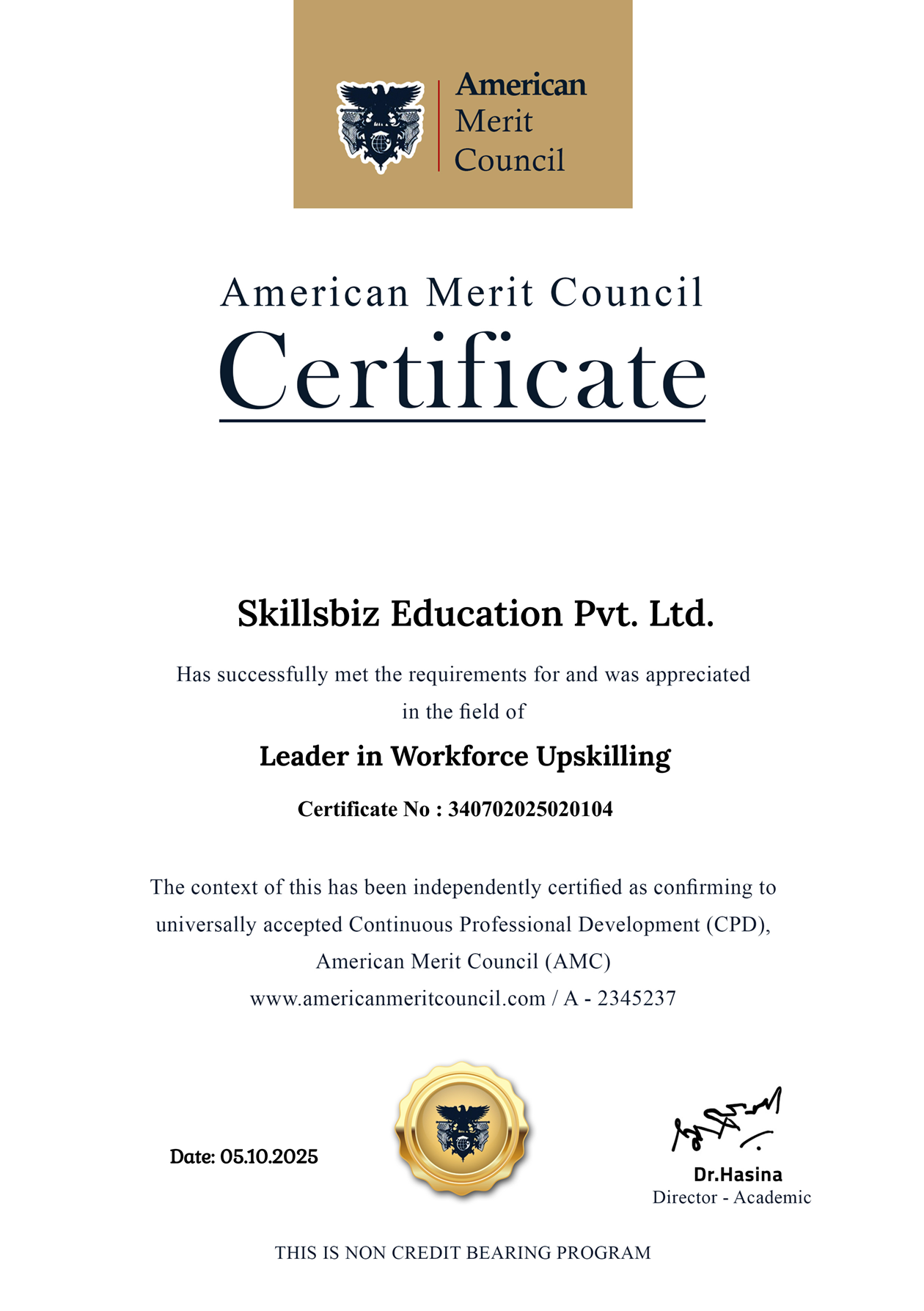
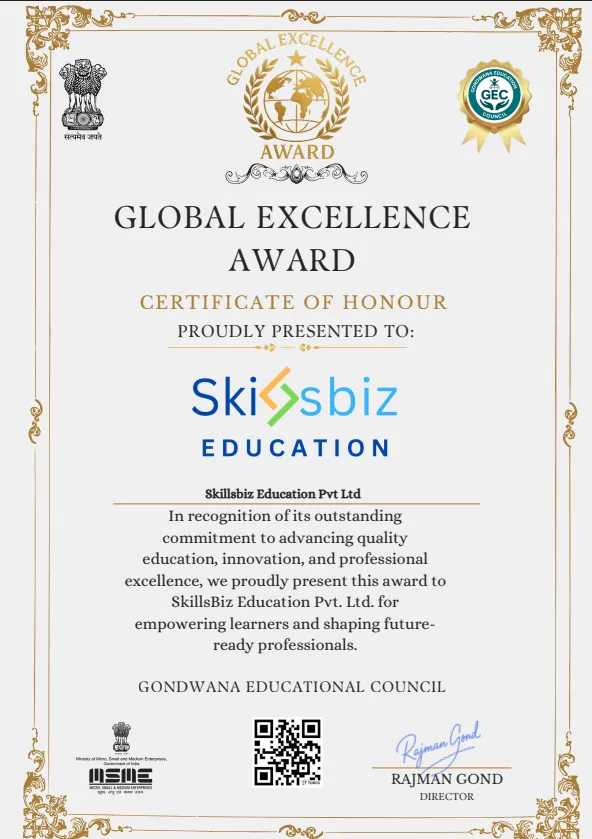
Honored for excellence
Awards & recognitions
Our pedagogy, learner outcomes, and mentor network have been acknowledged by industry councils and global forums.



Media spotlight
Featured in leading publications










Ready to start SAP SFT Employee Central Training Course?
Enroll today or book a free counselling call to get a personalized learning path.